How to Check Mail with DCAT email Id?

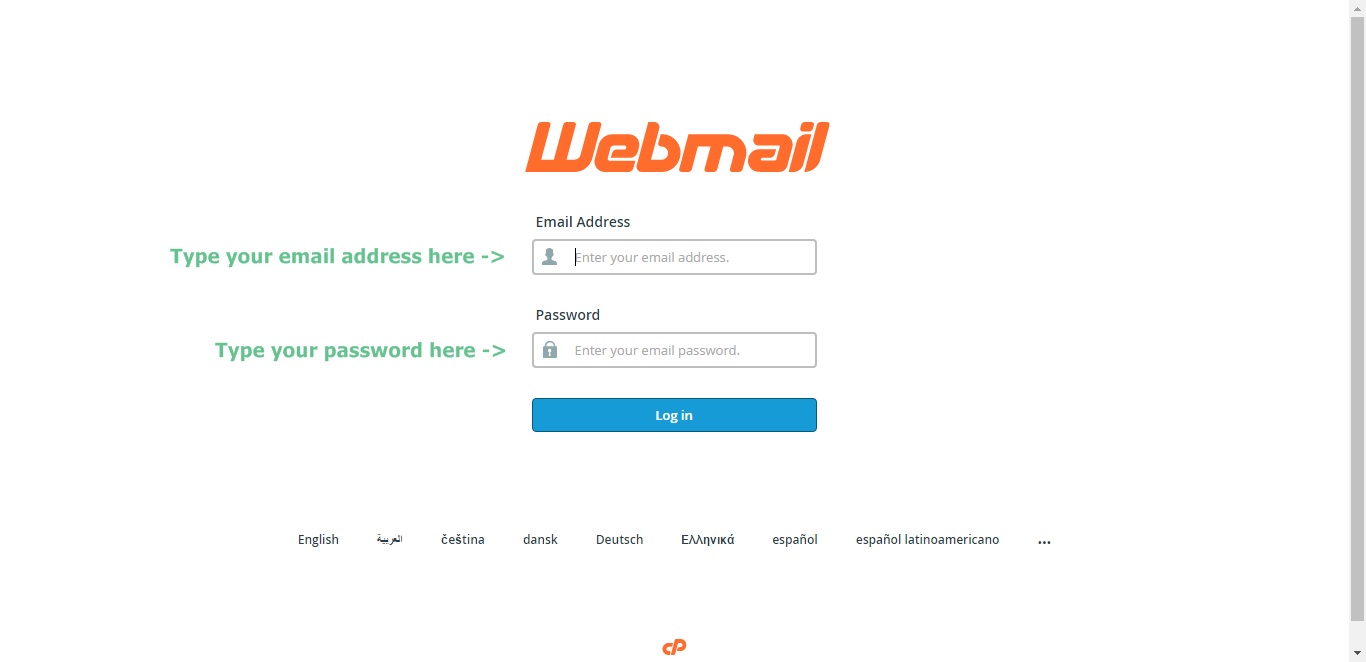
A New window will open like this!
Key in your email address and password and click Log in
Choose your default Web-mail Application!
(Remember, you can change it any time later)

You can change your password and other configuration details in the right top corner of the window!
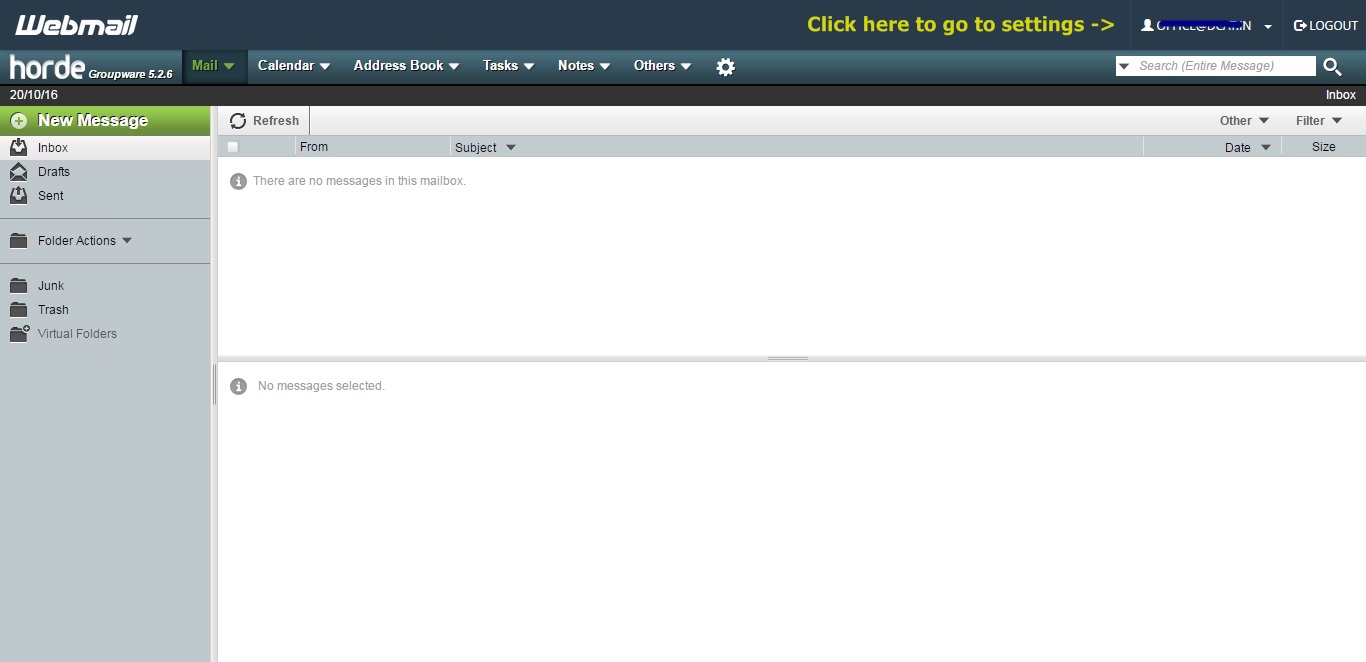
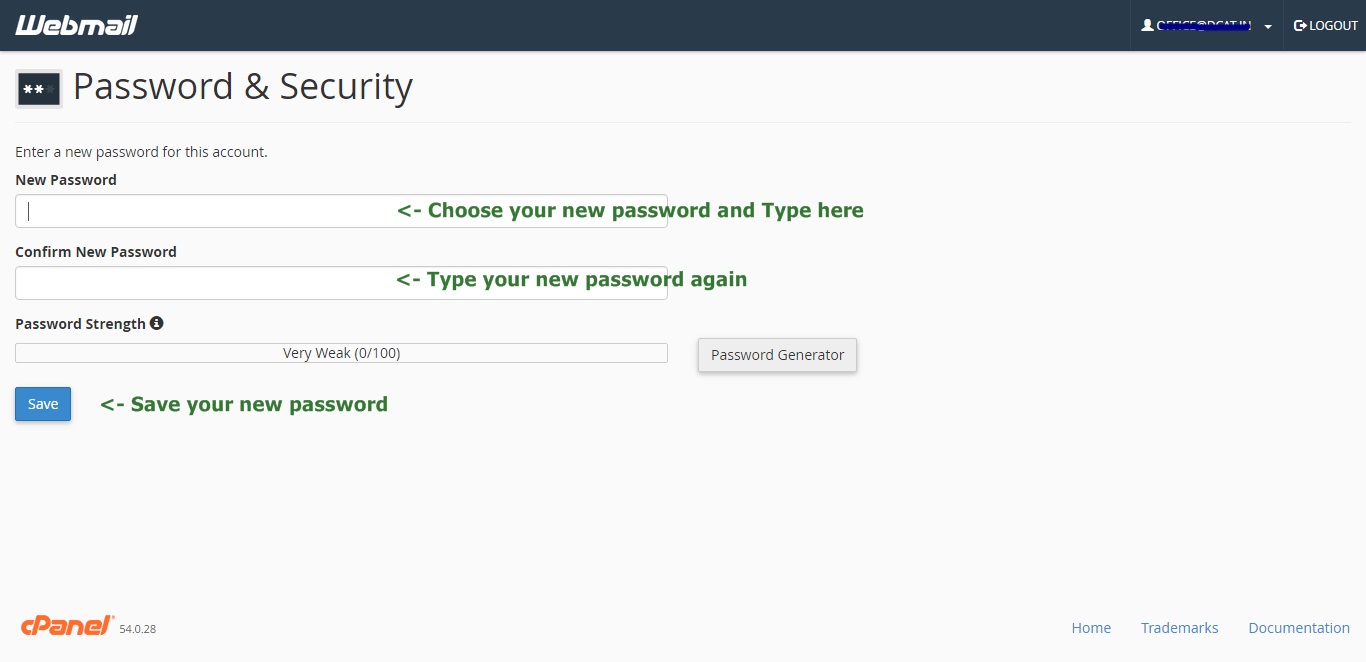
How to change password?

Choose your new password!
(You may use Password generator for new password also)
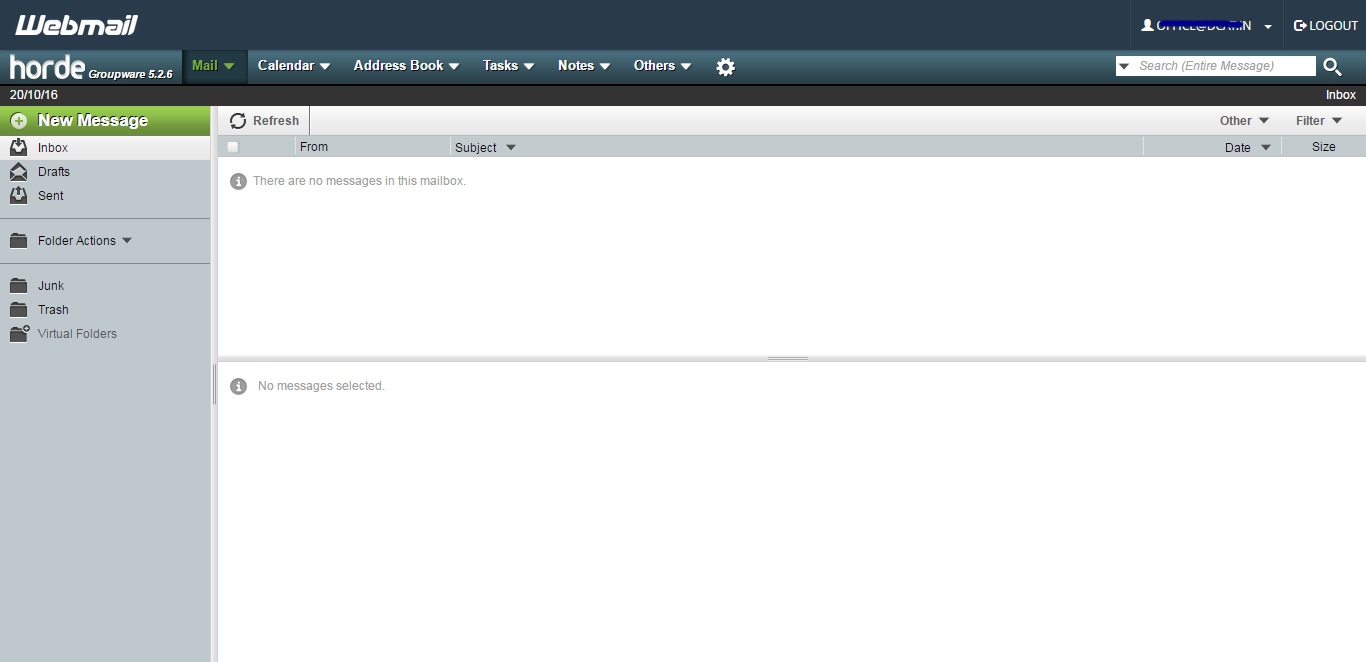
You have successfully changed your password!
Do you like to configure this email account in your PC / Laptop / Mobile?
Select ‘Configure Mail Client’
You will find instructions for Auto Configuring of Mail Client and Manual Settings
Configure your email account Manually!
Use your email address as ‘Username’
